Table of Contents
A potential customer may visit your website after seeing an advertisement, searching for your services on Google, or receiving a link from someone they know. However, reaching your website does not necessarily mean they will take the next step or contact you.
In many cases, customers do not leave because the service is unsuitable. They leave because the website has not given them a strong enough reason to stay or has not helped them find the information they need easily.
Whether you have a corporate website or an online store, certain website design mistakes can reduce customer trust and cause visitors to leave before contacting you or completing a purchase.
In short: The most common mistakes that cause business websites to lose customers include slow loading speeds, unclear services, a poor mobile experience, difficulty accessing important information, missing or unclear contact buttons, an unprofessional design, and a lack of trust signals. A complete website rebuild is not always necessary. In many cases, improving the areas that affect the customer experience and decision-making process may be enough.
1. Slow Website Loading Speed
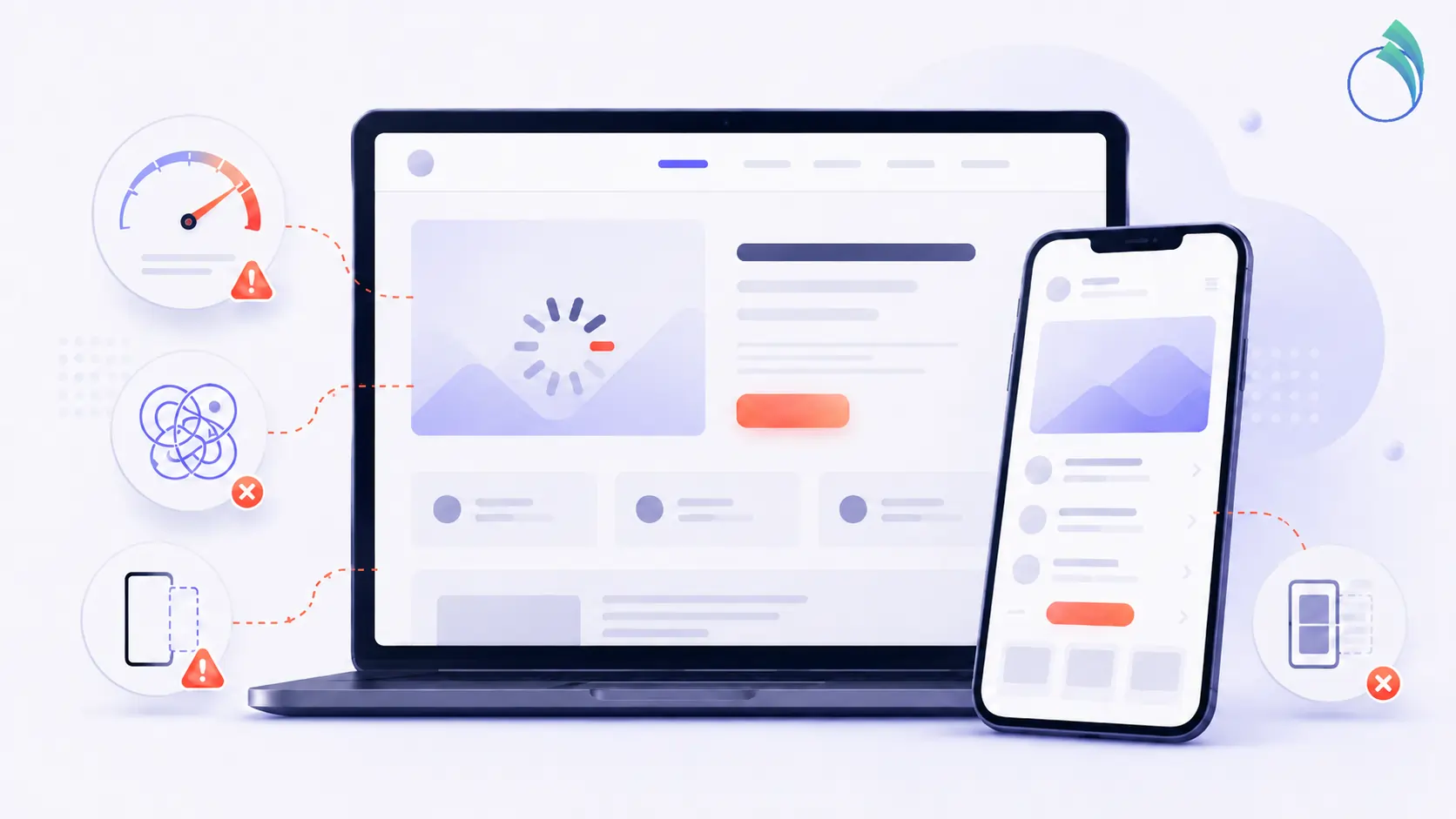
The first few seconds are extremely important. If your website takes too long to load, visitors may leave before reading a single word or learning anything about the services you provide.
Common causes include large image files, too many plugins, unsuitable hosting, or pages designed in a way that consumes more resources than necessary.
What can you do? Check the loading speed of your main pages, compress images before uploading them, and make sure your website runs smoothly on both mobile devices and desktop computers.
2. Failing to Explain What You Offer from the Start
When customers visit your homepage, they should quickly understand:
- What service does the company provide?
- Who is the service intended for?
- What is the next step the customer can take?
General headlines such as “We Create Success” or “Towards a Better Future” may sound appealing, but they are not enough on their own to explain what your company actually does.
What can you do? Use a direct headline that clearly describes your business, followed by a short description explaining the value customers will receive.
3. A Poor Mobile Experience
Many customers browse websites from their phones, and their first visit to your website may take place on a small screen. Designing your website only for desktop computers is no longer sufficient.
A page may look attractive on a large screen but become frustrating on mobile devices due to small text, overlapping buttons, unsuitable images, or difficulty finding important information.
What can you do? Open your website on your phone as if you were a new customer. Check how easy it is to read the content, browse the pages, and find the contact buttons.
4. Making Important Information Difficult to Find
Do not make customers search for too long to find your contact details, service information, a quotation request form, or even a free consultation option.
The main sections of the website should be clear. The navigation menu should contain a reasonable number of options, and contact buttons should appear in suitable locations.
Every unnecessary extra step can reduce the likelihood that a potential customer will contact you.
5. Missing a Clear Call to Action
A visitor may read the page and be interested in your service but still not know what to do next.
Do you want them to request a quotation, book a meeting, contact you through WhatsApp, or complete a form?
Make the next step clear by using direct buttons such as:
- Request a Quotation
- Start Your Project
- Book a Meeting
- Contact Us
Avoid placing too many different buttons in the same area, as this may distract or confuse visitors.
6. Long or Unclear Text
Customers do not visit a company website to read complicated expressions or long paragraphs that do not help them make a decision. They want to understand how your service can benefit them.
Use clear headlines, short paragraphs, and practical examples when needed. Write in language your customers can understand, rather than using internal terminology that only your team understands.
What can you do? Review each paragraph and ask yourself: Does this provide information the customer actually needs, or can it be shortened?
7. An Outdated or Unprofessional Design That Reduces Customer Trust
Your company may provide excellent services in the real world, but an outdated or inconsistent design can create a completely different impression.
Random colors, low-quality images, too many fonts, and the absence of a clear visual identity can all affect customer trust, even if visitors do not consciously notice these issues.
Design is not simply about creating an attractive appearance. It is part of the message that tells customers your company pays attention to detail.
Relying solely on ready-made tools is not enough without reviewing the user experience and understanding customer needs. You can learn more in our article: Is It Enough to Design a Website Using AI?
8. Missing Trust Signals
Before contacting you, customers want to feel confident that they are dealing with a reliable company.
You can strengthen trust by adding elements such as:
- A clear introduction to the company.
- Examples of previous work.
- Customer testimonials, when available.
- Logos of companies or organizations you have worked with.
- Official contact information.
- Links to active social media accounts.
You do not need to add every possible element. Select the options that suit the nature of your business and present them in a clear, well-organized way.
9. A Complicated Contact Form
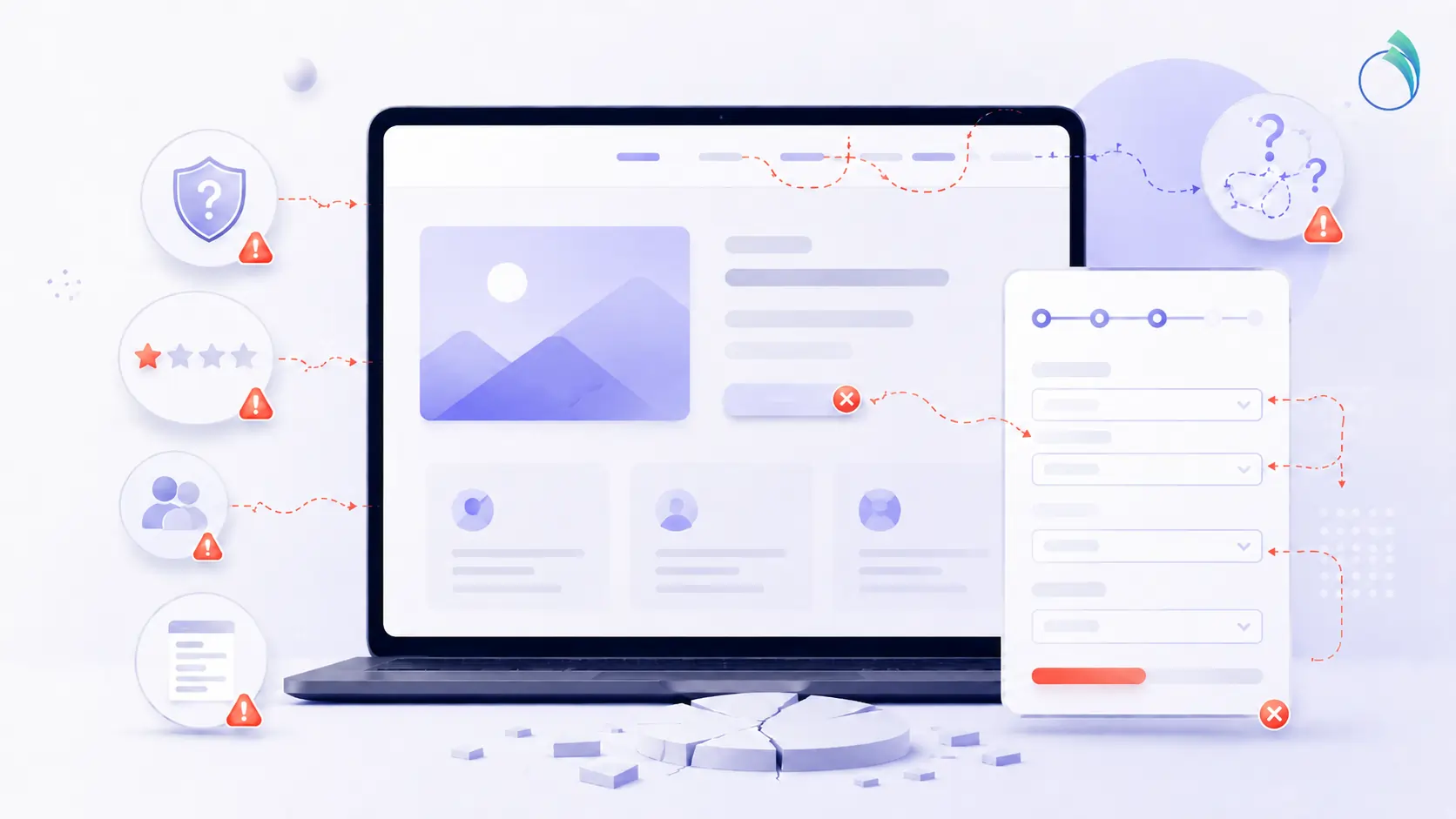
If you ask customers to complete too many fields, they may leave before submitting the form.
In most cases, it is enough to request basic information such as their name, contact number, email address, and a short description of the service they need.
Make it easy for customers to contact you. You can request additional details later when the conversation begins.
10. Failing to Update the Website and Fix Outdated Information
A website is not a project that should be completed once and then forgotten.
Broken links, outdated information, changed services, or pages that need improvement may appear over time. A website that does not evolve can also become weaker than its competitors.
What can you do? Review your website regularly and make sure the content, design, and user experience still reflect the current level of your company.
A Quick Review of Your Website
Open your website on your phone as if you were a new customer. Then try to answer the following questions in less than one minute:
- Did you clearly understand what the company offers?
- Could you easily find the service you were looking for?
- Did the page load quickly and appear well organized?
- Was there enough information to build trust?
- Did you understand the next step without searching for too long?
- Could you easily contact the company or request a service?
If the answer is unclear for more than one of these questions, there is a real opportunity to improve your website and increase its ability to attract customers.
Does Your Website Help Customers or Push Them Away?
A professional website does not need to be complicated or crowded with visual effects. The most important factors are clarity, speed, ease of use, and providing customers with enough confidence to take the next step.
Sometimes, a few simple improvements are enough to transform your website from a basic online presence into an effective tool that helps your company attract customers and achieve better results.
At HexaGoal, we help companies develop professional websites that combine attractive design, a clear message, and a smooth user experience while reflecting the goals of their brands and the needs of their customers.
You can explore HexaGoal services or contact us to discuss the needs of your project.
Start Your Project with HexaGoal
Frequently Asked Questions
What are the most common mistakes on business websites?
The most common mistakes include slow loading speeds, unclear services, a poor mobile experience, difficulty finding contact information, and the absence of a clear call to action.
How do I know whether my website needs improvement?
Start by reviewing your website on a mobile device. If you find it difficult to understand the services, access information, or contact the company, or if the design does not reflect the current level of your business, it may be useful to conduct a comprehensive website review.
Does a website always need a complete redesign?
Not necessarily. In some cases, targeted improvements may be enough, such as increasing page speed, reorganizing the content, clarifying the contact buttons, and improving the mobile experience. However, if the website has multiple problems or is significantly outdated, a complete redesign may be the most suitable solution.